Loading
FiveM
FiveM banners
Four thousand servers are in that list. The strip is the only thing distinguishing yours from the ones above and below it.

FiveM info banner at its real ratio. Hover to animate. Previews are watermarked.
- Server list strip
- 1865x108, animated GIF plus a 3730x216 still
- Connecting screen
- 1920x320, animated GIF plus a 3840x640 still
- Set in
- server.cfg, as sets banner_detail and sets banner_connecting
- Framework
- Convars, so ESX, QBCore and standalone all work the same
About fivem banners
A FiveM server needs two banners, not one, and they are not the same picture at two sizes. The 1865x108 strip appears in the detail panel when somebody clicks your name in the server browser. The 1920x320 banner appears on the connecting screen, which every player who joins sees every time they join. One is a shop window, the other is a greeting, and the layouts that work for each are different enough that cropping one out of the other always looks wrong.
Buying them as a pair from the same design is the point. The wordmark, the palette, the lettering treatment and the backdrop are identical across both, so a player who clicked your list entry and then watched the connecting screen sees the same server twice rather than two attempts at branding. Every pack also carries the still PNG for each, which you want hosted alongside the animation so you can swap without re-rendering.
The other half of the problem is the plumbing, and it is where most of the support questions come from. Both banners are convars set in server.cfg rather than files you upload, so they live at URLs you host, the client caches them hard, and the convar has to be set with sets rather than set to reach the client at all. The format pages for each banner walk through exactly that, including why a Discord CDN link stops working after a while.
Prices start at the FiveM Pack, which is the two banners plus the transparent logo, the in-game watermark and the loading screen resource. If you only want the two banners, the Complete Pack is still the better value per file, because it carries them alongside every Discord, Twitch, YouTube and forum size cut from the same design.
Formats in this category
| Format | Size | Still render | Animated |
|---|---|---|---|
| FiveM info banner | 1865×108 | 3730×216 | GIF to 13.0MB |
| FiveM banner_connecting | 1920×320 | 3840×640 | GIF to 11.0MB |
Technical notes
FiveM info banner, 1865x108
server.cfg, as the banner_detail convar: sets banner_detail "https://your-host/detail.png"
- Must be a direct HTTPS URL that returns the image with no redirect to an HTML page
- The client caches it hard, so change the filename when you change the art
- Animated version built under 13MB so slow connections still fetch it
FiveM connecting banner, 1920x320
server.cfg, as the banner_connecting convar: sets banner_connecting "https://your-host/connecting.png"
- Direct HTTPS URL, same rules as banner_detail
- Shown above the connection status text, so the lower edge gets covered
- Animated version built under 11MB at 18fps over four seconds
Designs
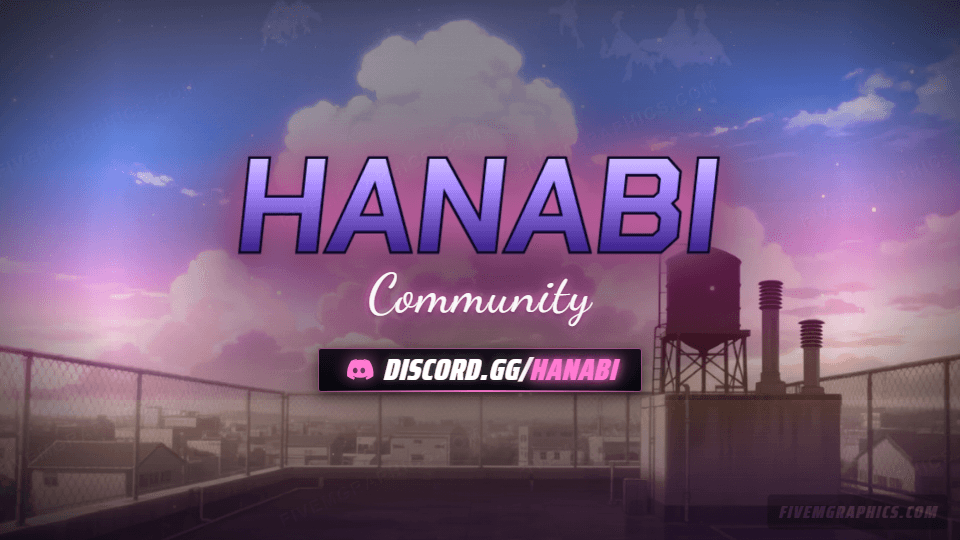
Anime Rooftop Anime
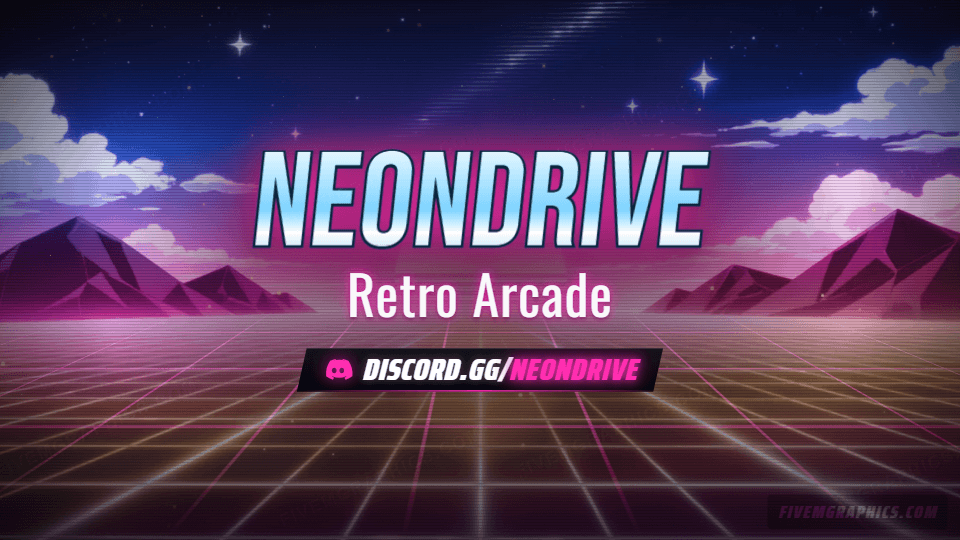
from $12Anime Rooftop rendered as anime artwork, with live motion, drifting particles and a chromed wordmark. Every format in the catalogue, still and animated.
20 formats, 46 filesAnime Rooftop Grunge
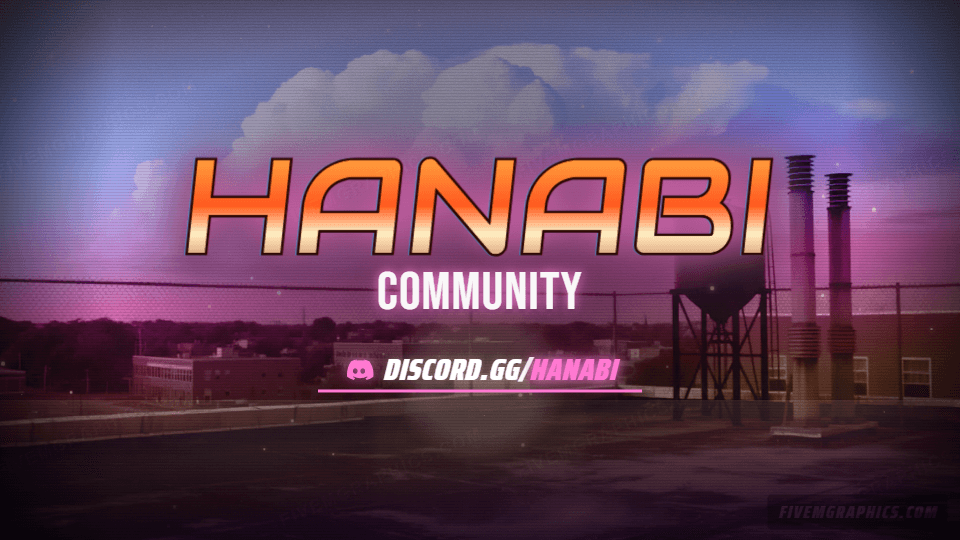
from $12Anime Rooftop rendered as grunge artwork, with live motion, drifting particles and a chromed wordmark. Every format in the catalogue, still and animated.
20 formats, 46 filesAnime Rooftop Painted
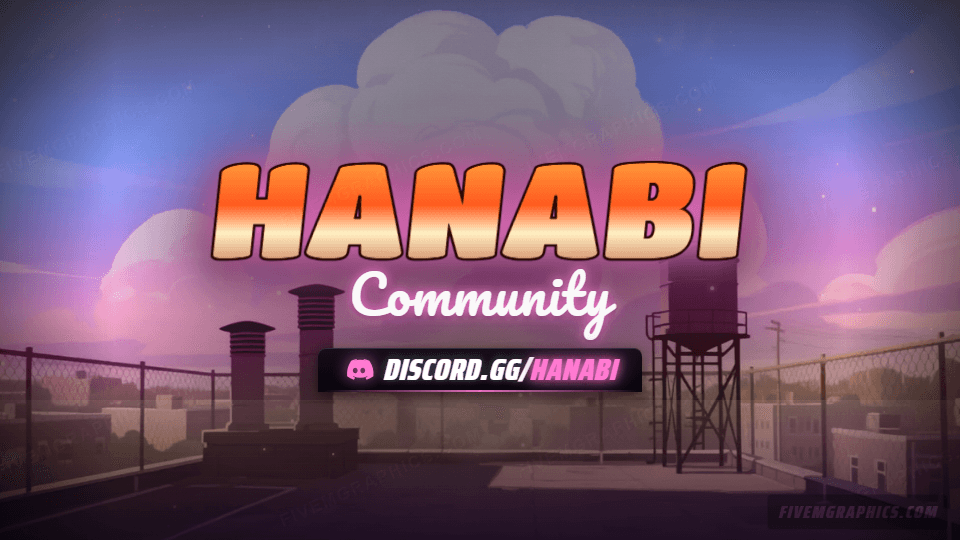
from $12Anime Rooftop rendered as painted artwork, with live motion, drifting particles and a chromed wordmark. Every format in the catalogue, still and animated.
20 formats, 46 filesAnime Rooftop Photoreal
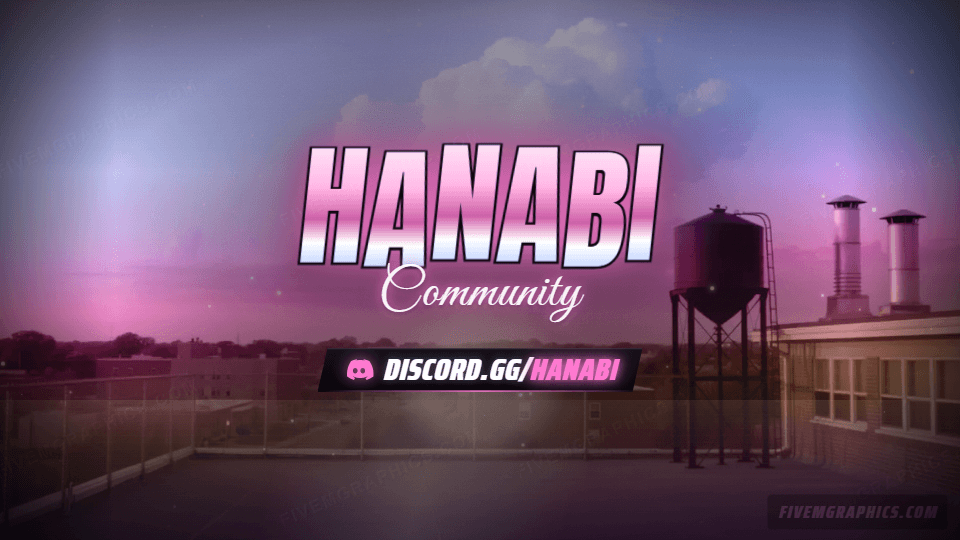
from $12Anime Rooftop rendered as photoreal artwork, with live motion, drifting particles and a chromed wordmark. Every format in the catalogue, still and animated.
20 formats, 46 filesArcade Grid Anime
from $12Arcade Grid rendered as anime artwork, with live motion, drifting particles and a chromed wordmark. Every format in the catalogue, still and animated.
20 formats, 46 filesArcade Grid Grunge
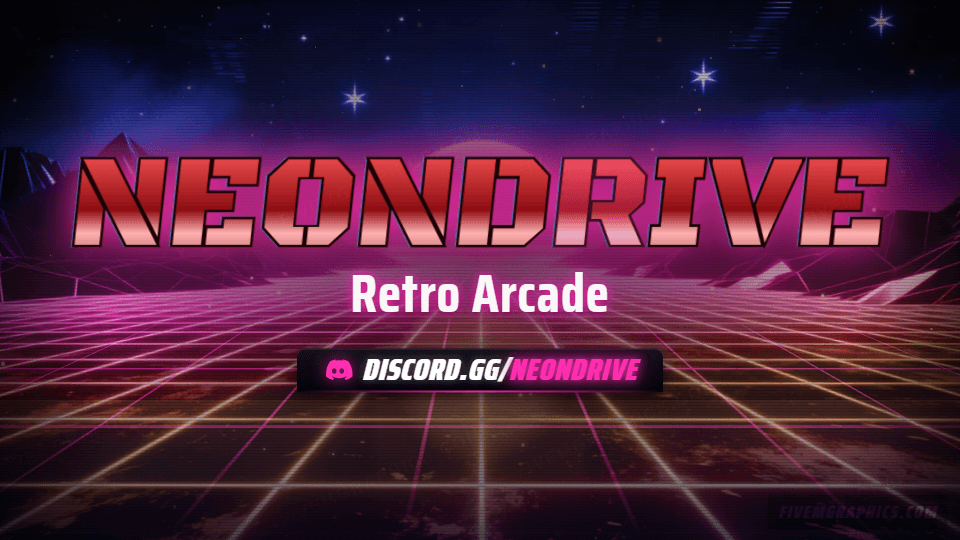
from $12Arcade Grid rendered as grunge artwork, with live motion, drifting particles and a chromed wordmark. Every format in the catalogue, still and animated.
20 formats, 46 files
Questions
How many banners does a FiveM server need?
Two. banner_detail at 1865x108 for the server list detail panel and banner_connecting at 1920x320 for the connecting screen. They are separate convars and separate layouts.
Do I upload the banners anywhere?
No. You host the image yourself and point the convar at the URL. Any host that serves a direct HTTPS image with a stable filename works.
Can I change my server name after buying?
Not after you buy. One payment covers one set of settings, and the configuration is fixed at purchase. Change your mind before checkout as often as you like; the customiser is free and unlimited until then.